
Features · Wrap
Project timer
Wrap’s timer records a focused work session against a client project and phase. Stop the timer when the session ends, then review its description and duration in the tracker.
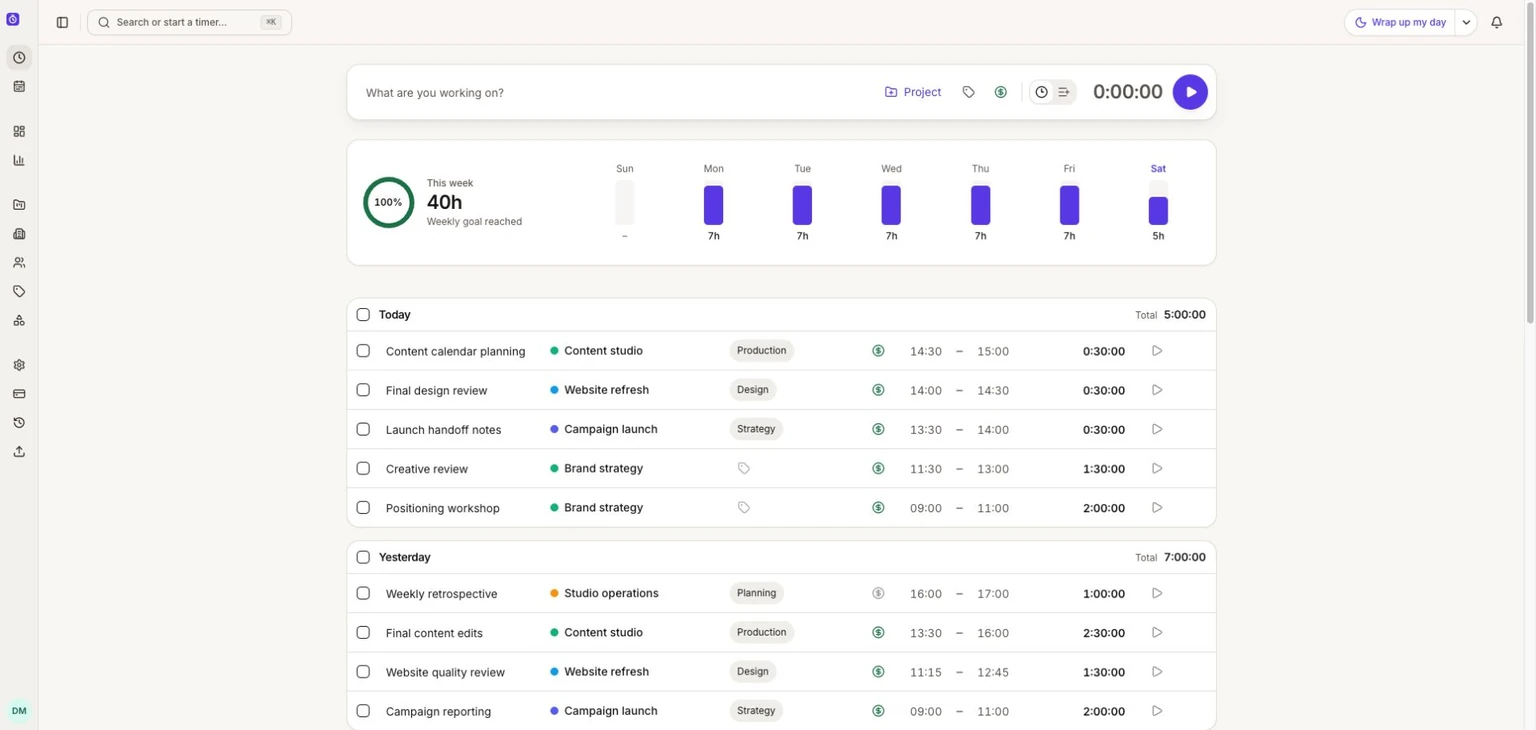
Project timer
How it works: project timer
- 01
Select the project and the active phase you are working on.
- 02
Add a useful description and start the timer for that session.
- 03
Stop, check the entry, and continue or correct it when needed.
Project timer: a worked example
A designer starts a timer for a homepage concept, pauses for a client call, and records the call separately. The project total retains both kinds of work without a single ambiguous entry.
Use the example to check the meaning of the record before applying it to your own company. The figures are illustrative, and the actual result depends on the entries, settings and reporting period you choose.
- Concept exploration
- 1h 20m
- Client review
- 25m
- Project total
- 1h 45m
When to use project timer
Use a timer for sustained sessions where remembering to start and stop is realistic. Pair it with manual entry or daily wrap for short interruptions instead of forcing every person into one capture habit.
See an agency workflowQuestions worth asking.
Can I correct a timer entry?
Yes. Entries can be corrected within the permissions and lock-date rules of the company. Review the project, phase and description as well as the duration.
How should we test this with our team?
Use a small, representative project and follow the steps above. Include a correction, a different user role and a report review. For project timer, a useful pilot proves the record supports the decision described here; it is not just a tour of the interface.
Where can I check the rest of the product?
The feature overview shows how daily wrap, timers, manual entries, projects and reports fit together. Use the pricing page for the current plan terms and the product app to test your own workflow.
A clearer record starts
with one working day.
Try the workflow with your own team. Free for up to 10 active members.