
Features · Wrap
Project time tracking software
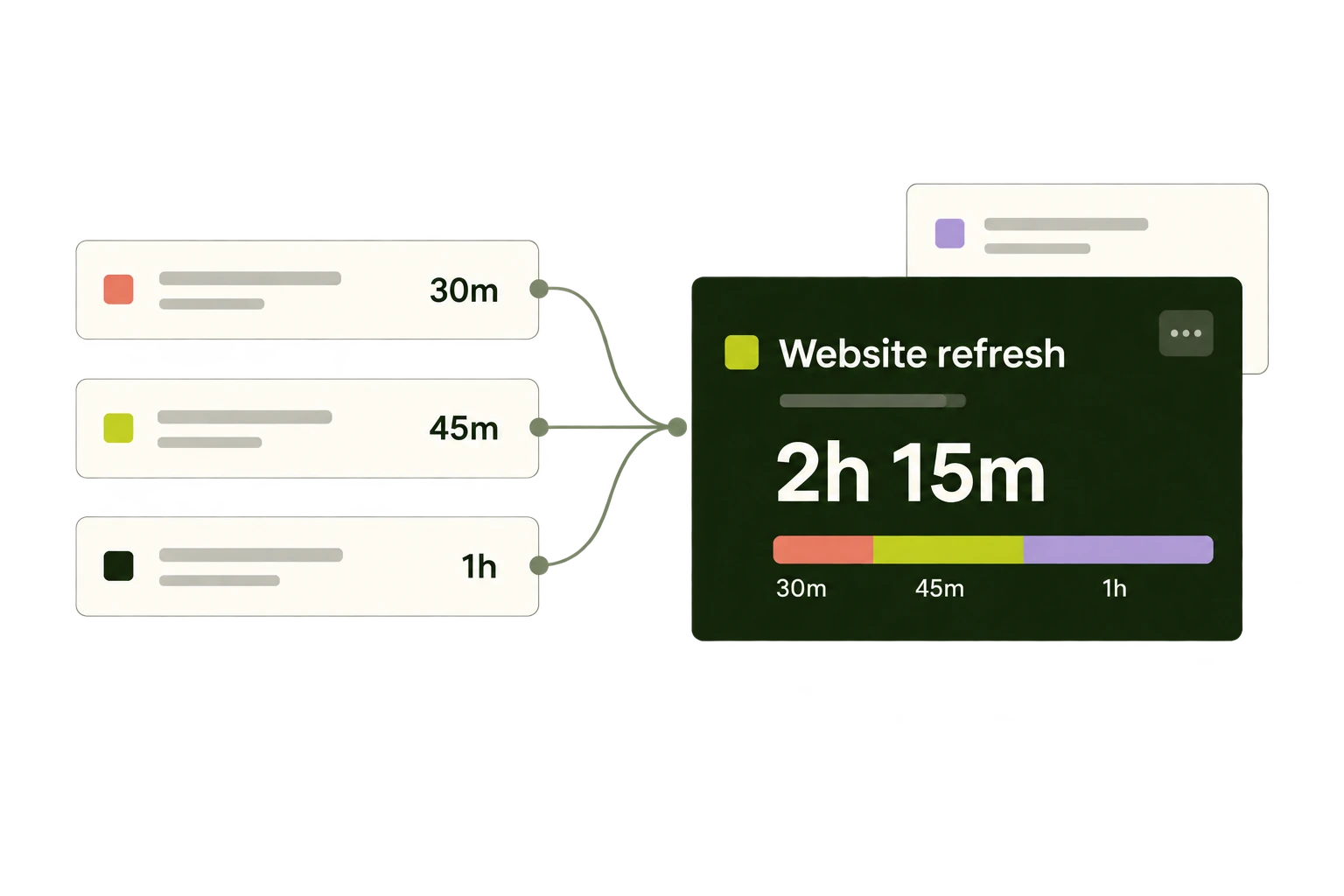
Project time tracking connects each entry to the client work it belongs to. Wrap lets a team record time against projects and active phases, then review that effort together in reports.
Project time tracking
How it works: project time tracking
- 01
Create the client project and decide which phases need separate visibility.
- 02
Ask contributors to choose the right target when recording work.
- 03
Review the combined effort by project before discussing budget or scope.
Project time tracking: a worked example
A website engagement includes discovery, design and implementation. The client is the same, but each phase has a different purpose and budget conversation.
Use the example to check the meaning of the record before applying it to your own company. The figures are illustrative, and the actual result depends on the entries, settings and reporting period you choose.
- Discovery
- 18h
- Design
- 42h
- Implementation
- 60h
When to use project time tracking
Use project structure to answer the next management question. A single project may be enough for a small job; separate phases help when delivery stages need distinct budgets or ownership.
See an agency workflowQuestions worth asking.
Should every task become a project?
Usually not. Keep projects at the engagement level and use phases where the scope needs separate tracking. Descriptions can retain the detail of individual activities.
How should we test this with our team?
Use a small, representative project and follow the steps above. Include a correction, a different user role and a report review. For project time tracking, a useful pilot proves the record supports the decision described here; it is not just a tour of the interface.
Where can I check the rest of the product?
The feature overview shows how daily wrap, timers, manual entries, projects and reports fit together. Use the pricing page for the current plan terms and the product app to test your own workflow.
A clearer record starts
with one working day.
Try the workflow with your own team. Free for up to 10 active members.