
Time that adds up.
Track work in the moment or finish it at day’s end. Then see the hours and budgets behind each project.
Wrap up your day.
A guided review helps you account for the work you did, including time already tracked.
Where did your time go today?
Adjust the allocations to see how a day could add up.
How the day felt
Choose the pace that best describes your day. It’s a personal check-in, not a performance score.
Where the day went
Review time already tracked, then allocate the remaining hours across the projects you worked on.
The kind of work
Break the day into work types such as focused work, meetings and admin.
Close the day
Note the main task, review your entries and finish with a complete record.
Time tracking on your terms.
Use a timer during focused work, add time manually afterward, then review it all in a weekly timesheet.
Track as you work
Start a timer when you need one, and give every entry a client and project.
Catch up later
Add entries manually or finish the day with a guided wrap-up.
Review the week
See your time together on a weekly timesheet before you move on.
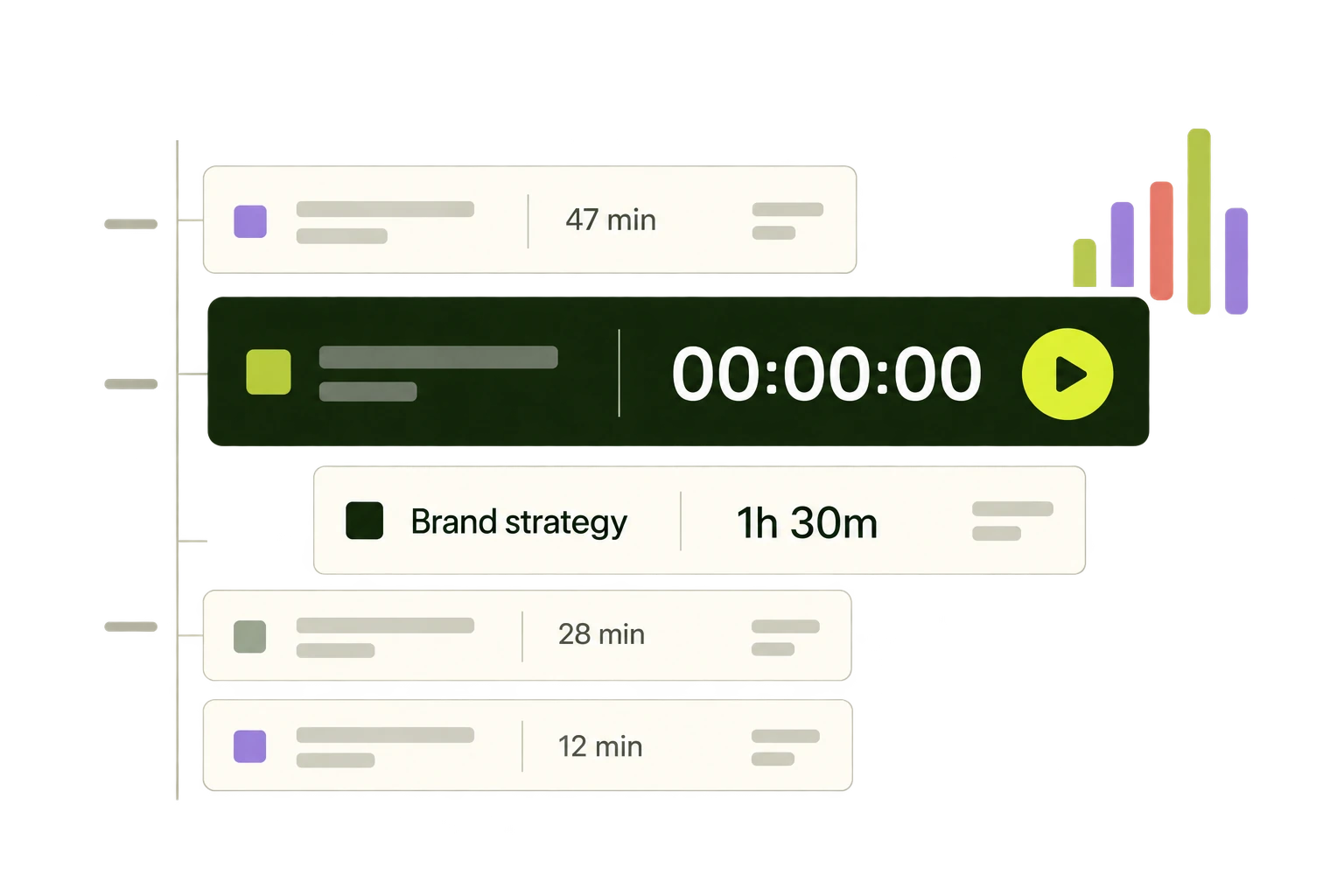
Know how projects are really doing.
Keep hours, budget usage, internal costs and margins in view without asking your team to become spreadsheet experts.
Project health
Illustrative example · Sample project data
From client to project to scope, every entry helps tell the story behind the work.
See pricingMake room for the human side.
Team Pulse gives your team a way to share how their days feel. It can start better conversations without reducing anyone to a productivity score.
Better time habits.
Better decisions.
Bring your time and project work together. Export your data as CSV when you need it.
Start free