
Features · Wrap
Project budget tracking
Wrap lets teams compare recorded project or phase effort with the budget attached to the scope. Reviewing budget consumption while delivery is still underway supports a clearer conversation about remaining work.
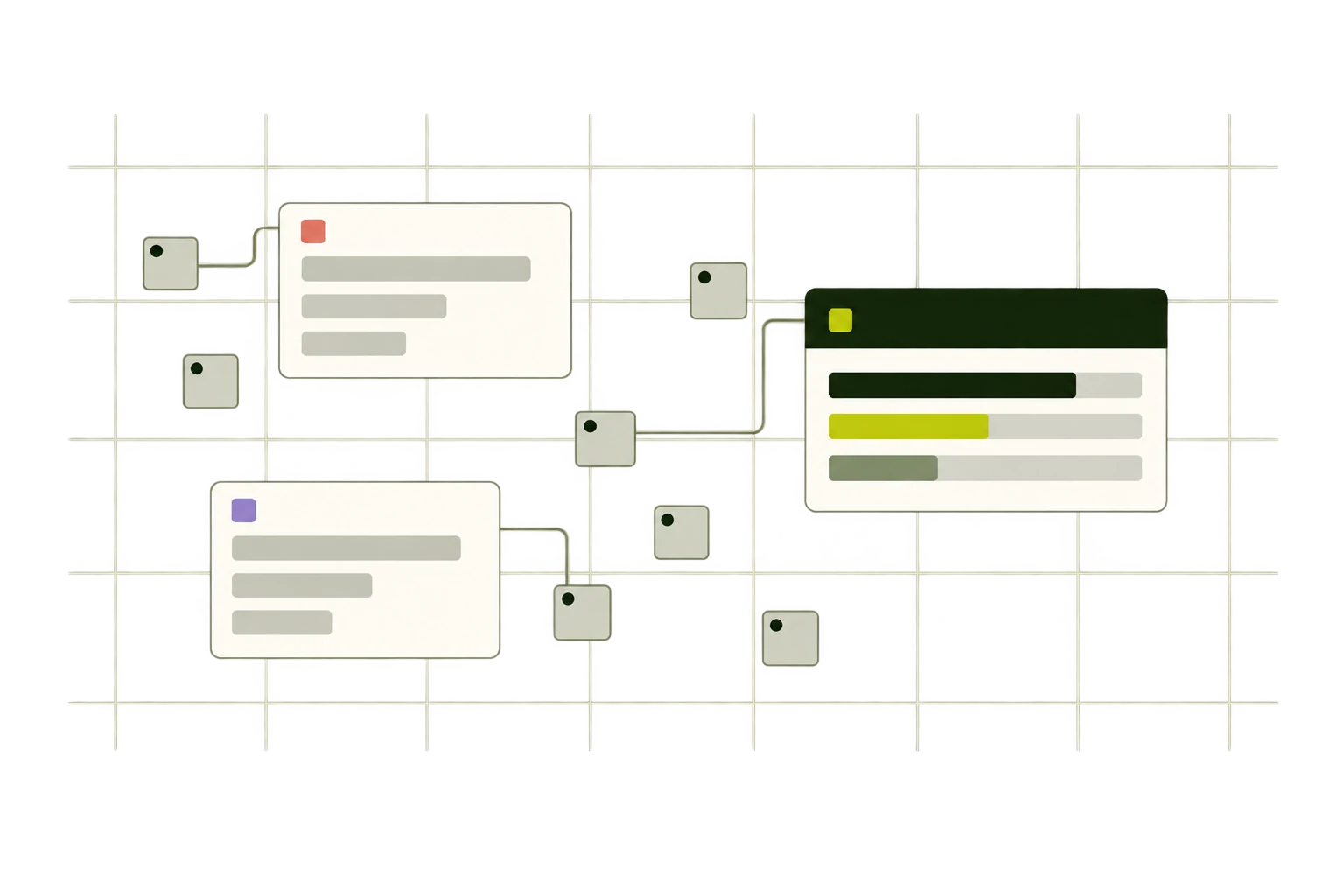
Project budgets
How it works: project budgets
- 01
Set the phase’s budget using the basis agreed for that engagement.
- 02
Record delivery time against that phase rather than a general client bucket.
- 03
Review used and remaining budget alongside the work still to be delivered.
Project budgets: a worked example
A design phase has an 80-hour budget. After 60 hours, a quarter remains; the delivery lead still needs to judge whether the remaining review round can fit.
Use the example to check the meaning of the record before applying it to your own company. The figures are illustrative, and the actual result depends on the entries, settings and reporting period you choose.
- Budget
- 80h
- Recorded
- 60h
- Remaining
- 20h
When to use project budgets
Budget consumption is useful when compared with delivery progress. Half the hours used does not mean half the work is complete. Bring the report to a scope review with the actual remaining deliverables.
See an agency workflowQuestions worth asking.
Should I use hours or a money budget?
Choose the basis that supports the engagement’s decisions. Hours describe delivery effort; a monetary view also depends on the rates and billing model configured.
How should we test this with our team?
Use a small, representative project and follow the steps above. Include a correction, a different user role and a report review. For project budgets, a useful pilot proves the record supports the decision described here; it is not just a tour of the interface.
Where can I check the rest of the product?
The feature overview shows how daily wrap, timers, manual entries, projects and reports fit together. Use the pricing page for the current plan terms and the product app to test your own workflow.
A clearer record starts
with one working day.
Try the workflow with your own team. Free for up to 10 active members.