
Features · Wrap
Project phase tracking
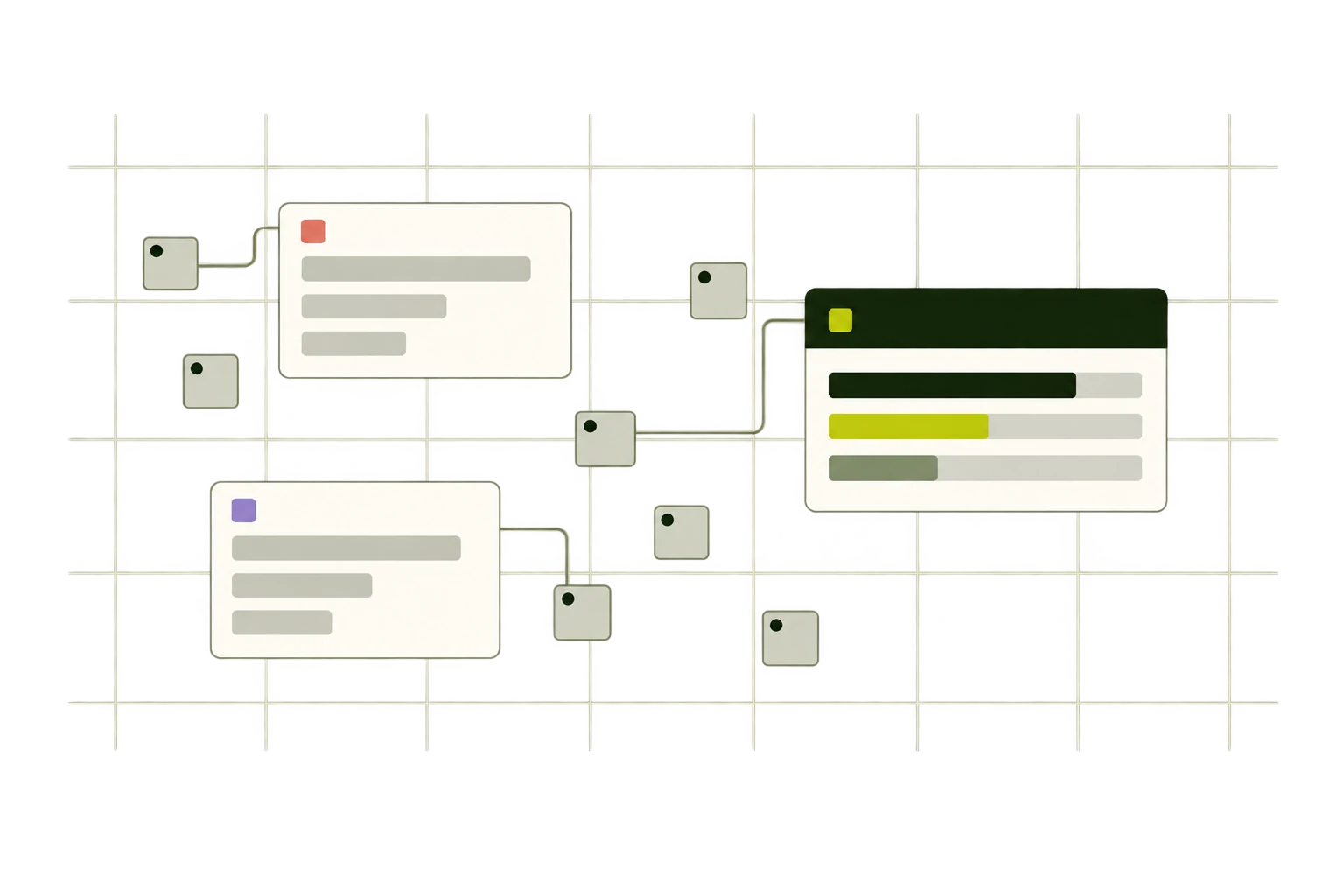
Phases let a team distinguish separate scopes within a project. In Wrap, time can be attached to an active phase so budget and reporting conversations refer to the specific work being delivered.
Project phases
How it works: project phases
- 01
Define phases around meaningful scopes or delivery stages.
- 02
Set the relevant dates, budget and status for each phase.
- 03
Record work against the active phase and close it when new entries should stop.
Project phases: a worked example
A brand project separates strategy, identity and rollout. A late rollout request should not quietly consume the closed strategy scope.
Use the example to check the meaning of the record before applying it to your own company. The figures are illustrative, and the actual result depends on the entries, settings and reporting period you choose.
- Strategy
- Closed
- Identity
- Active
- Rollout
- Draft
When to use project phases
Use phases when a project contains separate budgets, owners or statements of work. Too many tiny phases add selection work; too few make scope changes difficult to explain.
See an agency workflowQuestions worth asking.
Can people log against a closed phase?
Closed phases stop new entries under the product’s rules. Review outstanding time before closing a phase so contributors can finish their records.
How should we test this with our team?
Use a small, representative project and follow the steps above. Include a correction, a different user role and a report review. For project phases, a useful pilot proves the record supports the decision described here; it is not just a tour of the interface.
Where can I check the rest of the product?
The feature overview shows how daily wrap, timers, manual entries, projects and reports fit together. Use the pricing page for the current plan terms and the product app to test your own workflow.
A clearer record starts
with one working day.
Try the workflow with your own team. Free for up to 10 active members.