
Features · Wrap
Detailed time reports
A detailed report shows the entries behind the totals. Wrap lets authorized reviewers inspect dates, people, projects and durations when a number needs explanation or a billing period needs reconciliation.
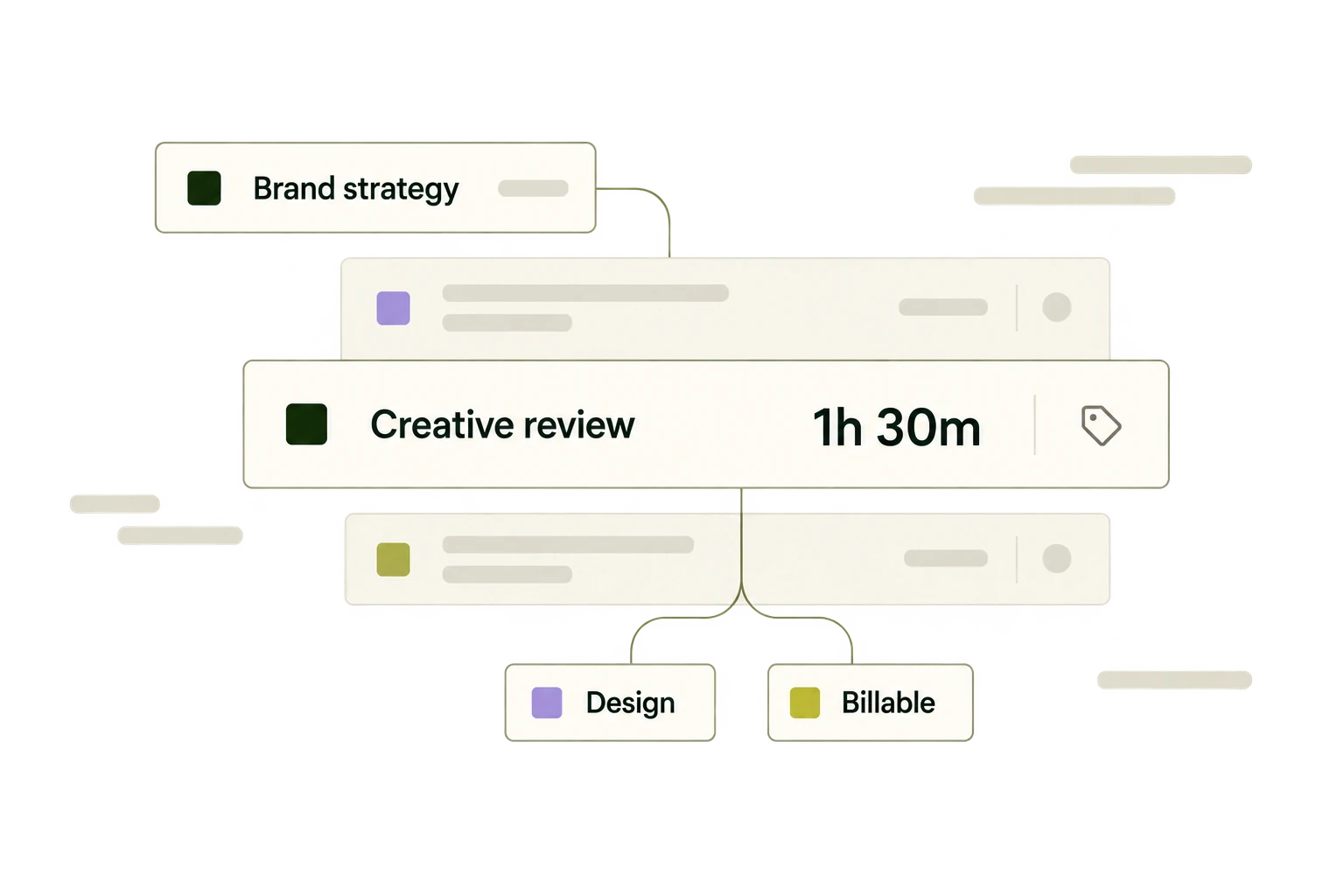
Detailed time reports
How it works: detailed time reports
- 01
Filter to the project, people and dates involved in the question.
- 02
Review individual entries for omissions, duplicates or misassigned work.
- 03
Make permitted corrections and recheck the summary or export.
Detailed time reports: a worked example
A client questions a week’s reported effort. A reviewer opens the relevant date range and inspects discovery calls, preparation and delivery separately.
Use the example to check the meaning of the record before applying it to your own company. The figures are illustrative, and the actual result depends on the entries, settings and reporting period you choose.
- Preparation
- 45m
- Discovery call
- 1h
- Delivery notes
- 30m
When to use detailed time reports
Use detail for exceptions and reconciliation. Reading every line every day adds review effort without necessarily improving the record; establish clear entry conventions first.
See an agency workflowQuestions worth asking.
Can admins correct an entry from a report?
Authorized admins can edit entries through the detailed reporting workflow. The company’s permissions and record rules still apply.
How should we test this with our team?
Use a small, representative project and follow the steps above. Include a correction, a different user role and a report review. For detailed time reports, a useful pilot proves the record supports the decision described here; it is not just a tour of the interface.
Where can I check the rest of the product?
The feature overview shows how daily wrap, timers, manual entries, projects and reports fit together. Use the pricing page for the current plan terms and the product app to test your own workflow.
A clearer record starts
with one working day.
Try the workflow with your own team. Free for up to 10 active members.