
Features · Wrap
Weekly time reports
Wrap’s weekly report presents people against days so a reviewer can spot missing records and understand the pattern of a reporting week. It complements the individual’s own timesheet.
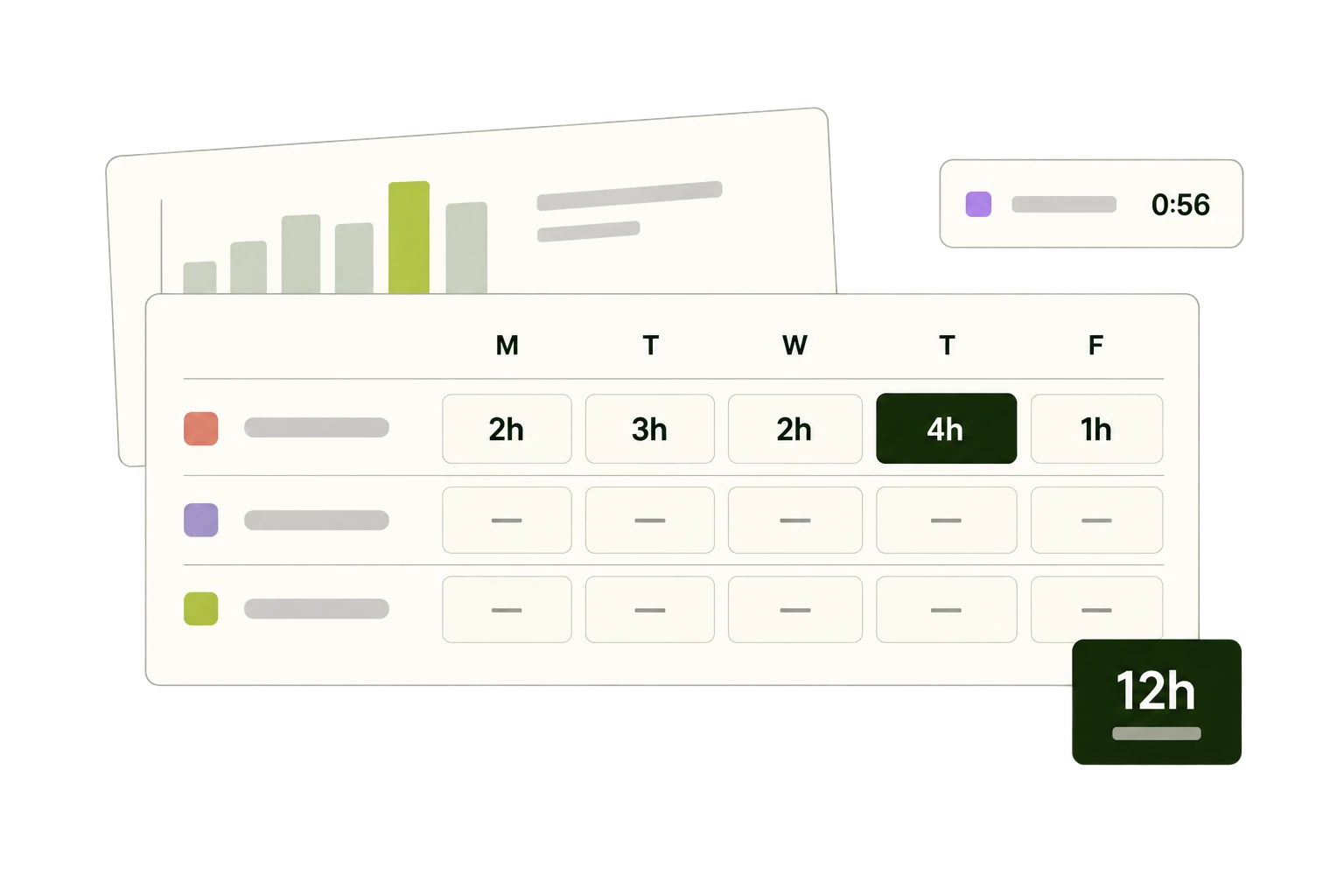
Weekly team reports
How it works: weekly team reports
- 01
Choose the week and the group of people relevant to the review.
- 02
Look for missing days and totals that need context.
- 03
Follow up on the underlying entries rather than inferring effort from an empty cell.
Weekly team reports: a worked example
One contributor has no hours on Tuesday. The right follow-up is to check time off and missing entries before treating the blank as an absence or performance issue.
Use the example to check the meaning of the record before applying it to your own company. The figures are illustrative, and the actual result depends on the entries, settings and reporting period you choose.
- Monday
- Recorded work
- Tuesday
- Check context
- Wednesday
- Recorded work
When to use weekly team reports
Use weekly reports to improve completeness and resolve exceptions. The review is most useful when people know the deadline and the reason their project hours matter.
See an agency workflowQuestions worth asking.
How is this different from a timesheet?
A timesheet helps an individual review their own projects across the week. The weekly report gives authorized reviewers a people-by-day perspective.
How should we test this with our team?
Use a small, representative project and follow the steps above. Include a correction, a different user role and a report review. For weekly team reports, a useful pilot proves the record supports the decision described here; it is not just a tour of the interface.
Where can I check the rest of the product?
The feature overview shows how daily wrap, timers, manual entries, projects and reports fit together. Use the pricing page for the current plan terms and the product app to test your own workflow.
A clearer record starts
with one working day.
Try the workflow with your own team. Free for up to 10 active members.