
Features · Wrap
Team utilization reporting
Wrap’s people reporting compares tracked work with capacity and billable utilization. It helps reviewers ask whether the team’s available time and client commitments are in balance.
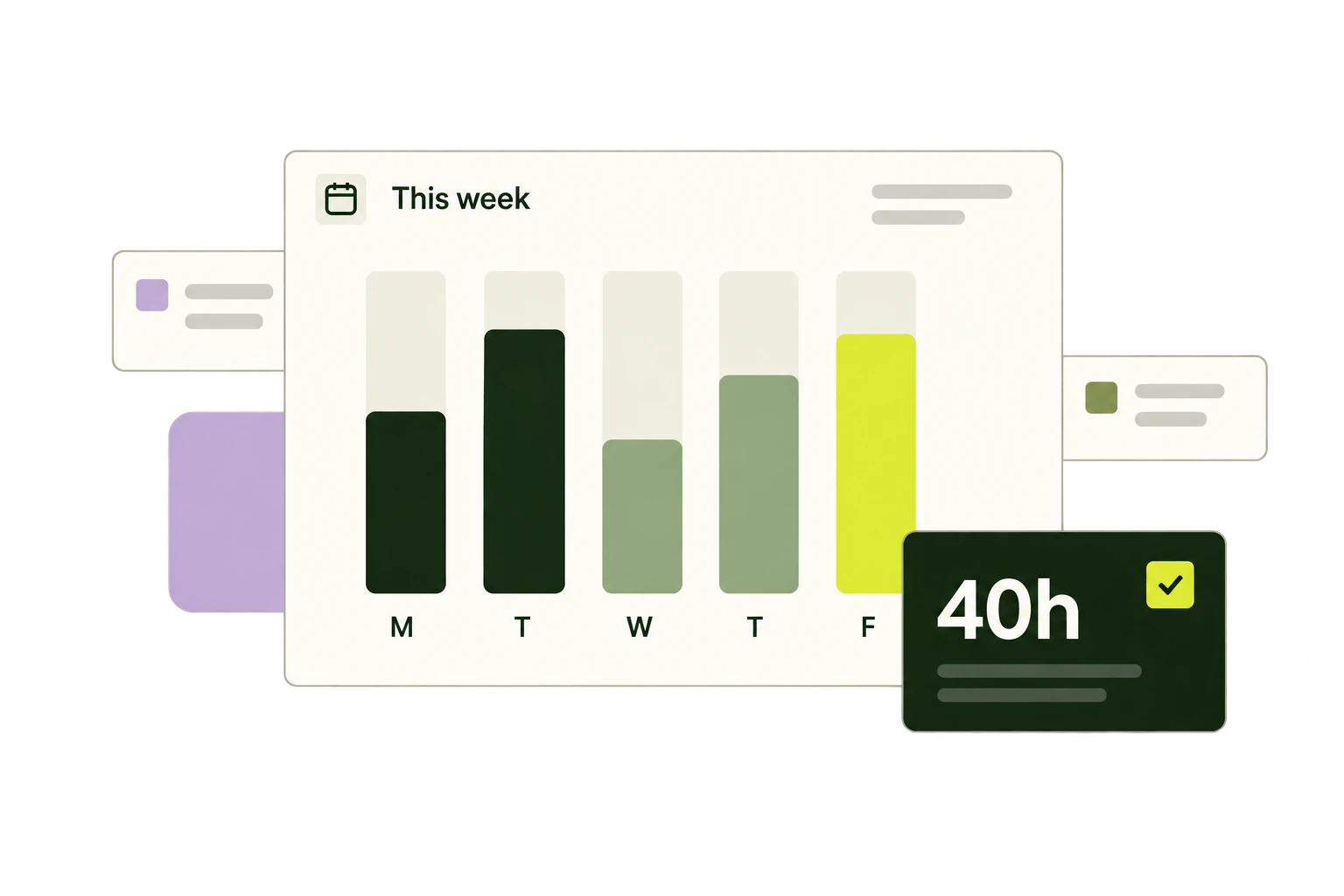
Team utilization
How it works: team utilization
- 01
Set a meaningful capacity basis for the people being reviewed.
- 02
Choose a consistent period and check whether the time record is complete.
- 03
Interpret billable and non-billable work together before changing allocations.
Team utilization: a worked example
A person has 32 available hours and records 24 billable hours. On that stated basis, utilization is 75%; changing the capacity denominator changes the result.
Use the example to check the meaning of the record before applying it to your own company. The figures are illustrative, and the actual result depends on the entries, settings and reporting period you choose.
- Available capacity
- 32h
- Billable work
- 24h
- Illustrative utilization
- 75%
When to use team utilization
Agree the denominator before comparing teams. Leave, part-time schedules and internal commitments can make a raw billable-hours comparison misleading.
See an agency workflowQuestions worth asking.
What should our utilization target be?
There is no universal target supplied by the tool. Set one that reflects roles, non-billable responsibilities and a sustainable workload.
How should we test this with our team?
Use a small, representative project and follow the steps above. Include a correction, a different user role and a report review. For team utilization, a useful pilot proves the record supports the decision described here; it is not just a tour of the interface.
Where can I check the rest of the product?
The feature overview shows how daily wrap, timers, manual entries, projects and reports fit together. Use the pricing page for the current plan terms and the product app to test your own workflow.
A clearer record starts
with one working day.
Try the workflow with your own team. Free for up to 10 active members.