
Features · Wrap
Team check-ins with Team Pulse
Team Pulse brings context from daily wraps into an authorized reporting view. Pace and work-type information can help owners and admins start better conversations about the working week.
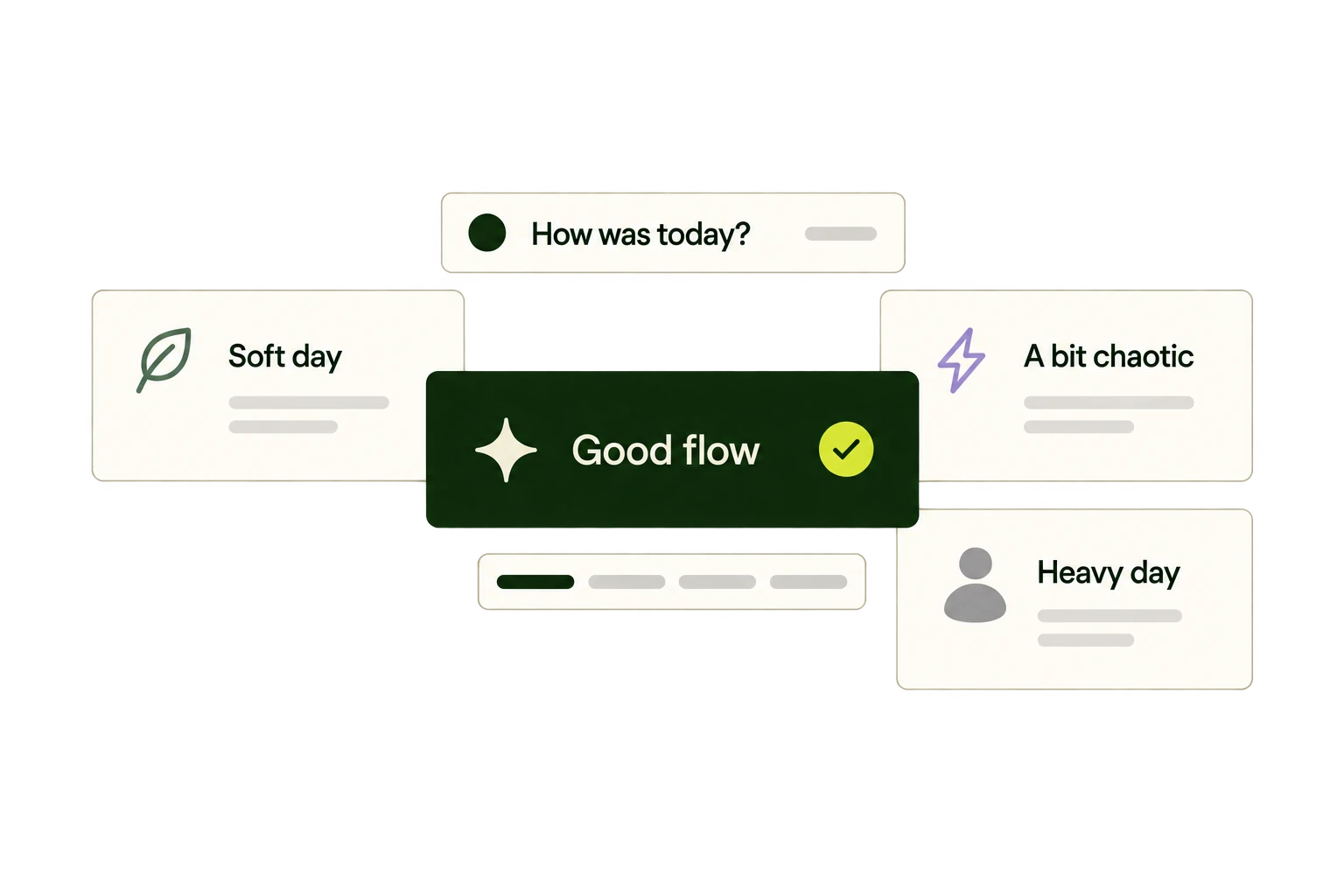
Team Pulse
How it works: team pulse
- 01
Let people complete the personal pace check-in during their wrap.
- 02
Review patterns over a useful period rather than interpreting one day alone.
- 03
Use the context to ask about meetings, interruptions and workload.
Team Pulse: a worked example
Several heavy days coincide with a delivery deadline and frequent context switching. A manager can ask what support or scope change would help instead of treating the signal as a score.
Use the example to check the meaning of the record before applying it to your own company. The figures are illustrative, and the actual result depends on the entries, settings and reporting period you choose.
- Pace
- A bit chaotic
- Context
- Switching between projects
- Next step
- Discuss workload
When to use team pulse
Explain who can see this information before rollout. A check-in is more useful when people understand its purpose and can describe the conditions behind their day.
See an agency workflowQuestions worth asking.
Can everyone see a colleague’s pace?
No. The product restricts personal wrap context to the person and authorized owner/admin roles; it is not a public team leaderboard.
How should we test this with our team?
Use a small, representative project and follow the steps above. Include a correction, a different user role and a report review. For team pulse, a useful pilot proves the record supports the decision described here; it is not just a tour of the interface.
Where can I check the rest of the product?
The feature overview shows how daily wrap, timers, manual entries, projects and reports fit together. Use the pricing page for the current plan terms and the product app to test your own workflow.
A clearer record starts
with one working day.
Try the workflow with your own team. Free for up to 10 active members.