
Features · Wrap
Daily time tracking with a guided wrap
Wrap up my day is a guided review that helps people allocate the time they have not already tracked. The result is ordinary project time that appears alongside timers and manual entries in their timesheet and reports.
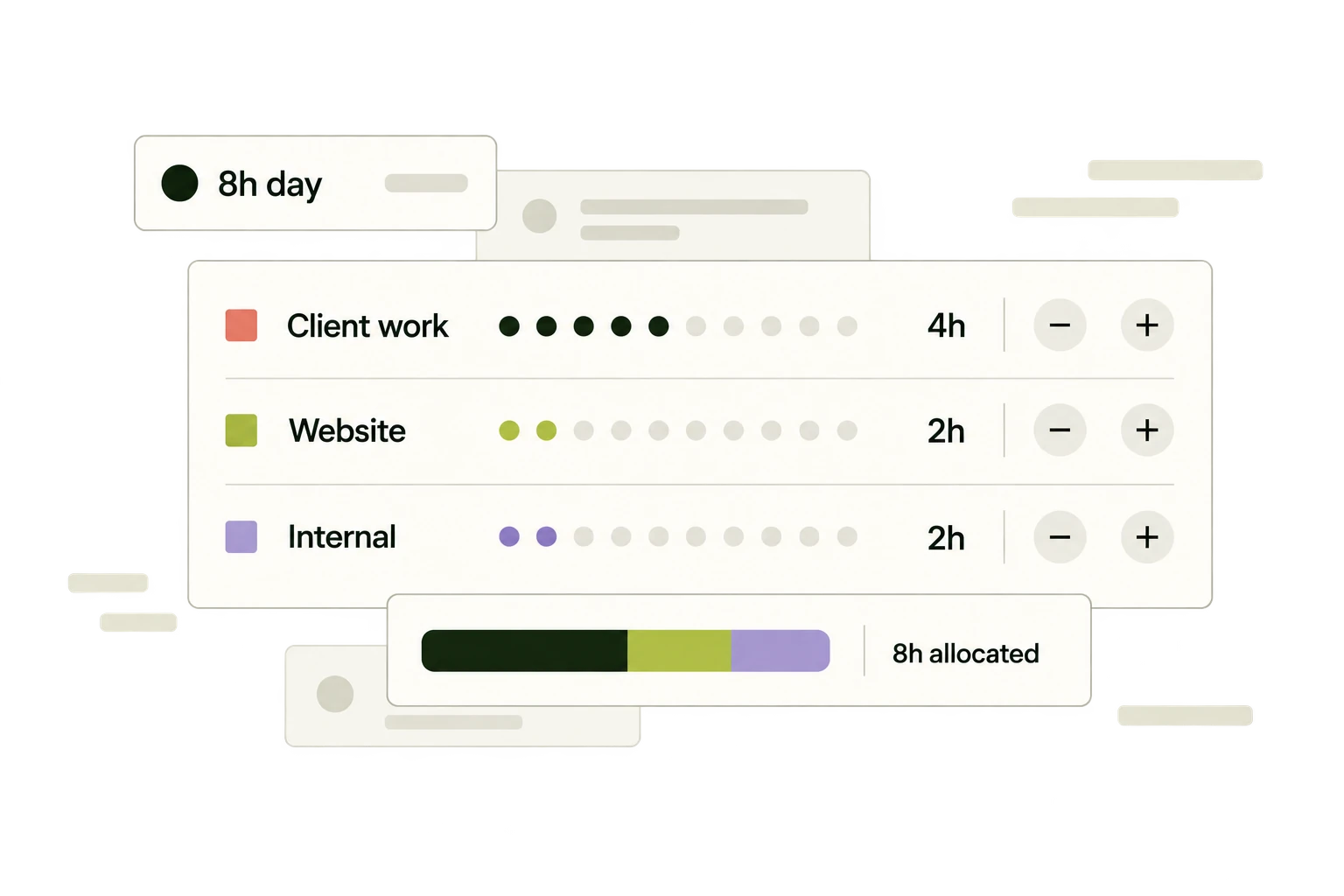
Daily wrap
How it works: daily wrap
- 01
Review the work already recorded today before adding anything else.
- 02
Allocate the complete day across your projects and phases, including the time already tracked.
- 03
Add the day’s context, submit the wrap, and review the resulting entries.
Daily wrap: a worked example
A six-hour day contains two hours already tracked on a design project. A final 50/50 split assigns three hours to design and three to research; Wrap adds 1h to Design and 3h to Research.
Use the example to check the meaning of the record before applying it to your own company. The figures are illustrative, and the actual result depends on the entries, settings and reporting period you choose.
Design: 2h tracked + 1h added · Research: 3h added
- Already tracked
- Design · 2h
- Added by wrap
- Design · 1hResearch · 3h
- Complete day
- 6h total
When to use daily wrap
Use daily wrap when meetings, quick requests and context switching leave gaps between focused sessions. Review while the work is still easy to remember, and agree how the team records internal activities.
See an agency workflowQuestions worth asking.
Does wrapping the day double-count my timer?
Existing tracked time is retained. The allocation must account for it, and new wrap entries fill the remaining time rather than adding a second full day.
How should we test this with our team?
Use a small, representative project and follow the steps above. Include a correction, a different user role and a report review. For daily wrap, a useful pilot proves the record supports the decision described here; it is not just a tour of the interface.
Where can I check the rest of the product?
The feature overview shows how daily wrap, timers, manual entries, projects and reports fit together. Use the pricing page for the current plan terms and the product app to test your own workflow.
A clearer record starts
with one working day.
Try the workflow with your own team. Free for up to 10 active members.