
Features · Wrap
Manual time entry
Manual entry lets you record completed work without having run a timer. Add the project, duration and context so a short call or offline session appears in the same reporting record as tracked work.
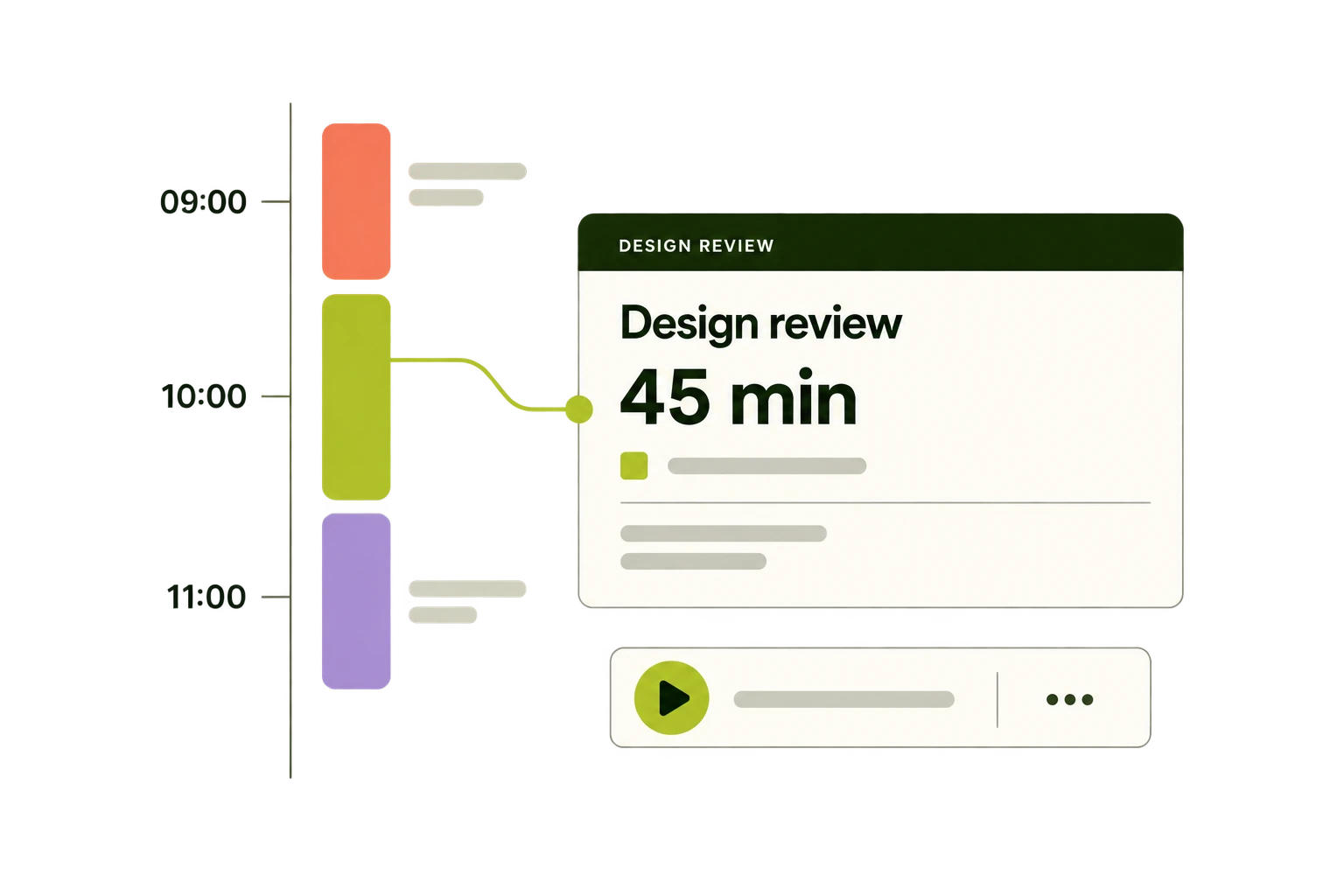
Manual time entry
How it works: manual time entry
- 01
Choose the date and project for the work you have completed.
- 02
Enter the duration or start and end times, with a clear description.
- 03
Check the saved entry against the rest of that day before moving on.
Manual time entry: a worked example
A consultant takes a 35-minute client call away from the desk. Recording it on return keeps the call attached to the engagement instead of burying it in a week-end estimate.
Use the example to check the meaning of the record before applying it to your own company. The figures are illustrative, and the actual result depends on the entries, settings and reporting period you choose.
- Work
- Client discovery call
- Duration
- 35m
- Assigned to
- Discovery phase
When to use manual time entry
Use manual entries for known blocks of work, such as a meeting with a defined start and finish. Use a day wrap when the question is how to distribute the remaining unrecorded time.
See an agency workflowQuestions worth asking.
What duration formats can I enter?
Wrap’s duration parser accepts formats including 1:30, 1h30, 1.5 and 90m for ninety minutes. Check the displayed duration before saving.
How should we test this with our team?
Use a small, representative project and follow the steps above. Include a correction, a different user role and a report review. For manual time entry, a useful pilot proves the record supports the decision described here; it is not just a tour of the interface.
Where can I check the rest of the product?
The feature overview shows how daily wrap, timers, manual entries, projects and reports fit together. Use the pricing page for the current plan terms and the product app to test your own workflow.
A clearer record starts
with one working day.
Try the workflow with your own team. Free for up to 10 active members.