
Features · Wrap
Billable hours tracking
Wrap distinguishes billable and non-billable time so teams can review client effort separately from internal work. Reports can be filtered to support the billing handoff without losing the full picture of the week.
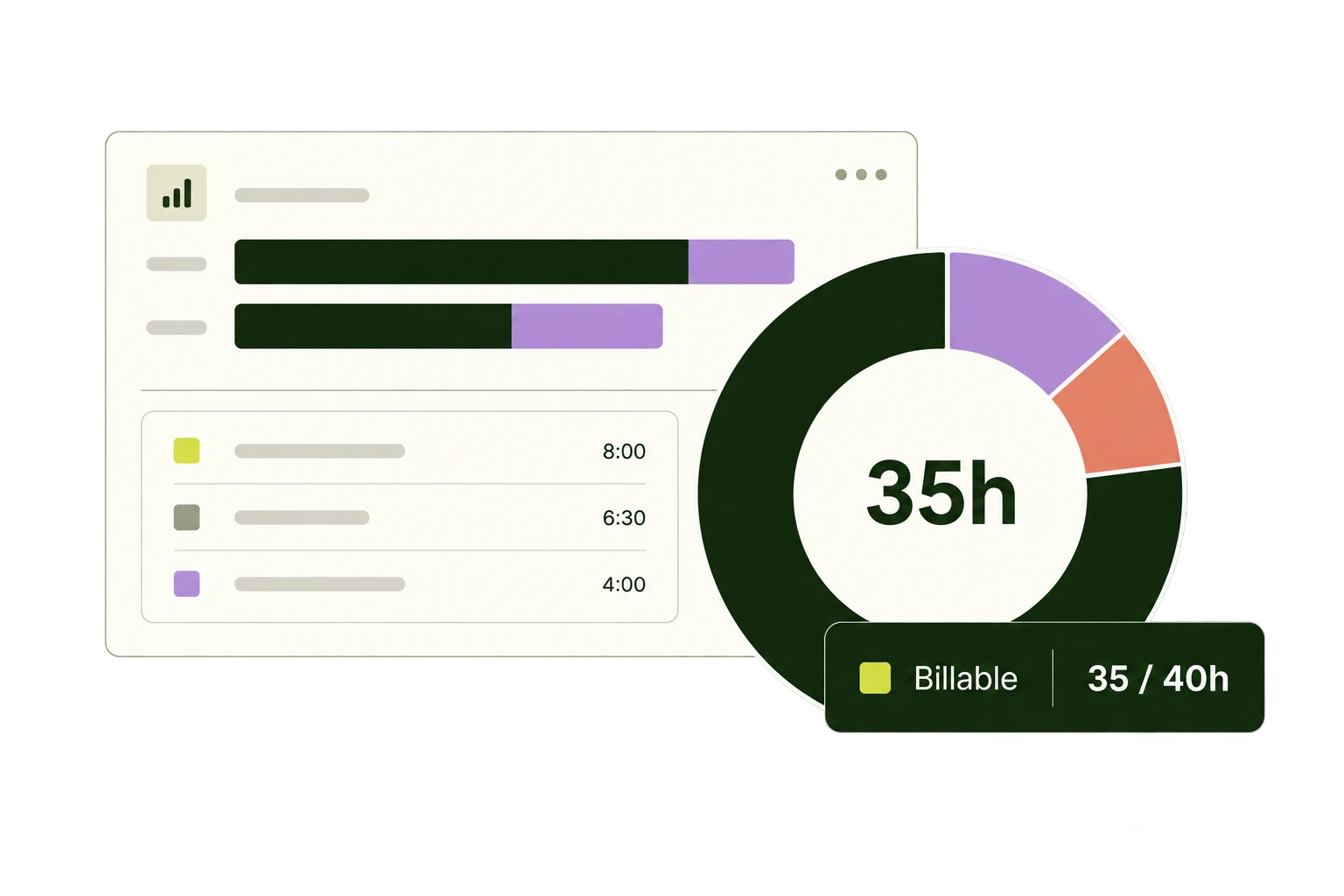
Billable hours
How it works: billable hours
- 01
Agree which activities are billable under the client engagement.
- 02
Set and review the billable status when recording project work.
- 03
Filter the reporting period and check the underlying entries before export.
Billable hours: a worked example
A consultant records client delivery and internal training in the same week. Both matter to capacity, but only the eligible client work belongs in the billing review.
Use the example to check the meaning of the record before applying it to your own company. The figures are illustrative, and the actual result depends on the entries, settings and reporting period you choose.
- Client delivery
- 24h billable
- Internal training
- 4h non-billable
- Recorded work
- 28h
When to use billable hours
Treat billability as a commercial decision based on the agreement. Clear examples help people classify meetings, rework and account management consistently.
See an agency workflowQuestions worth asking.
Can non-billable client time still be useful?
Yes. It can show the effort spent on rework or account support even when that time will not be charged separately.
How should we test this with our team?
Use a small, representative project and follow the steps above. Include a correction, a different user role and a report review. For billable hours, a useful pilot proves the record supports the decision described here; it is not just a tour of the interface.
Where can I check the rest of the product?
The feature overview shows how daily wrap, timers, manual entries, projects and reports fit together. Use the pricing page for the current plan terms and the product app to test your own workflow.
A clearer record starts
with one working day.
Try the workflow with your own team. Free for up to 10 active members.