
Features · Wrap
Client billing rates for time tracking
Billing rates give billable hours a commercial basis. Wrap separates these rates from internal costs, helping reviewers understand the difference between effort, billable value and labor cost.
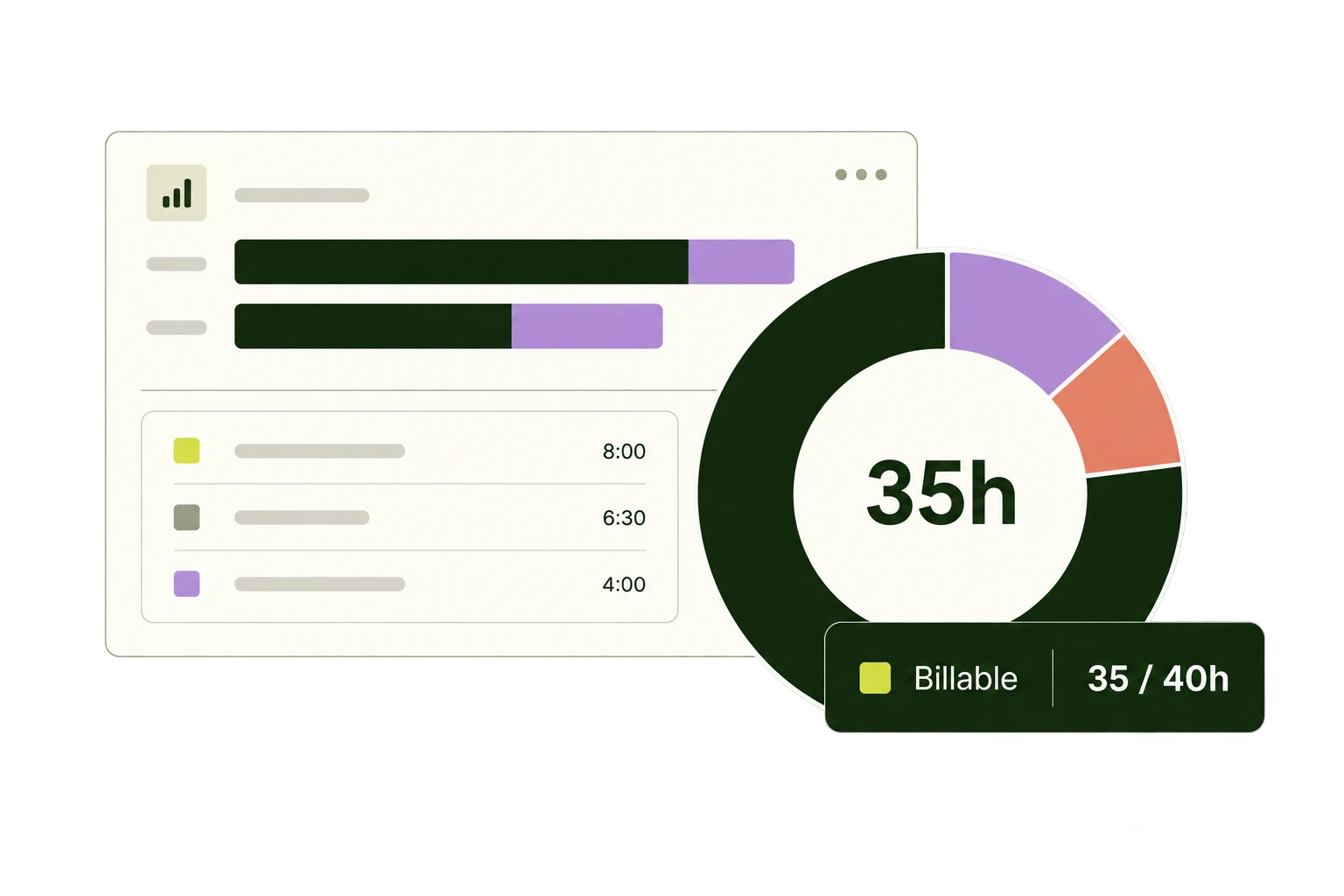
Client billing rates
How it works: client billing rates
- 01
Identify the billing model and rate for the relevant phase.
- 02
Check that eligible entries have the intended billable status.
- 03
Review the resulting value against the client agreement before invoicing.
Client billing rates: a worked example
Ten eligible hours at an illustrative $120 hourly rate represent $1,200 of billable value. A fixed-fee agreement can require a different interpretation even when the same hours were worked.
Use the example to check the meaning of the record before applying it to your own company. The figures are illustrative, and the actual result depends on the entries, settings and reporting period you choose.
- Eligible effort
- 10h
- Illustrative rate
- $120/h
- Billable value
- $1,200
When to use client billing rates
Use commercial rates to prepare a billing review, not to bypass it. Confirm caps, discounts, non-billable support and fixed-fee terms before treating a report as a final charge.
See an agency workflowQuestions worth asking.
Does a rate make all project time billable?
No. Billable status and the engagement’s billing rules still matter. Review the entries included in the report rather than multiplying every recorded hour.
How should we test this with our team?
Use a small, representative project and follow the steps above. Include a correction, a different user role and a report review. For client billing rates, a useful pilot proves the record supports the decision described here; it is not just a tour of the interface.
Where can I check the rest of the product?
The feature overview shows how daily wrap, timers, manual entries, projects and reports fit together. Use the pricing page for the current plan terms and the product app to test your own workflow.
A clearer record starts
with one working day.
Try the workflow with your own team. Free for up to 10 active members.