
Features · Wrap
Export time reports to CSV
Wrap reports can be exported to CSV so the selected time record can support a spreadsheet review or billing handoff. The export should be interpreted using the same period, filters and permissions as the report.
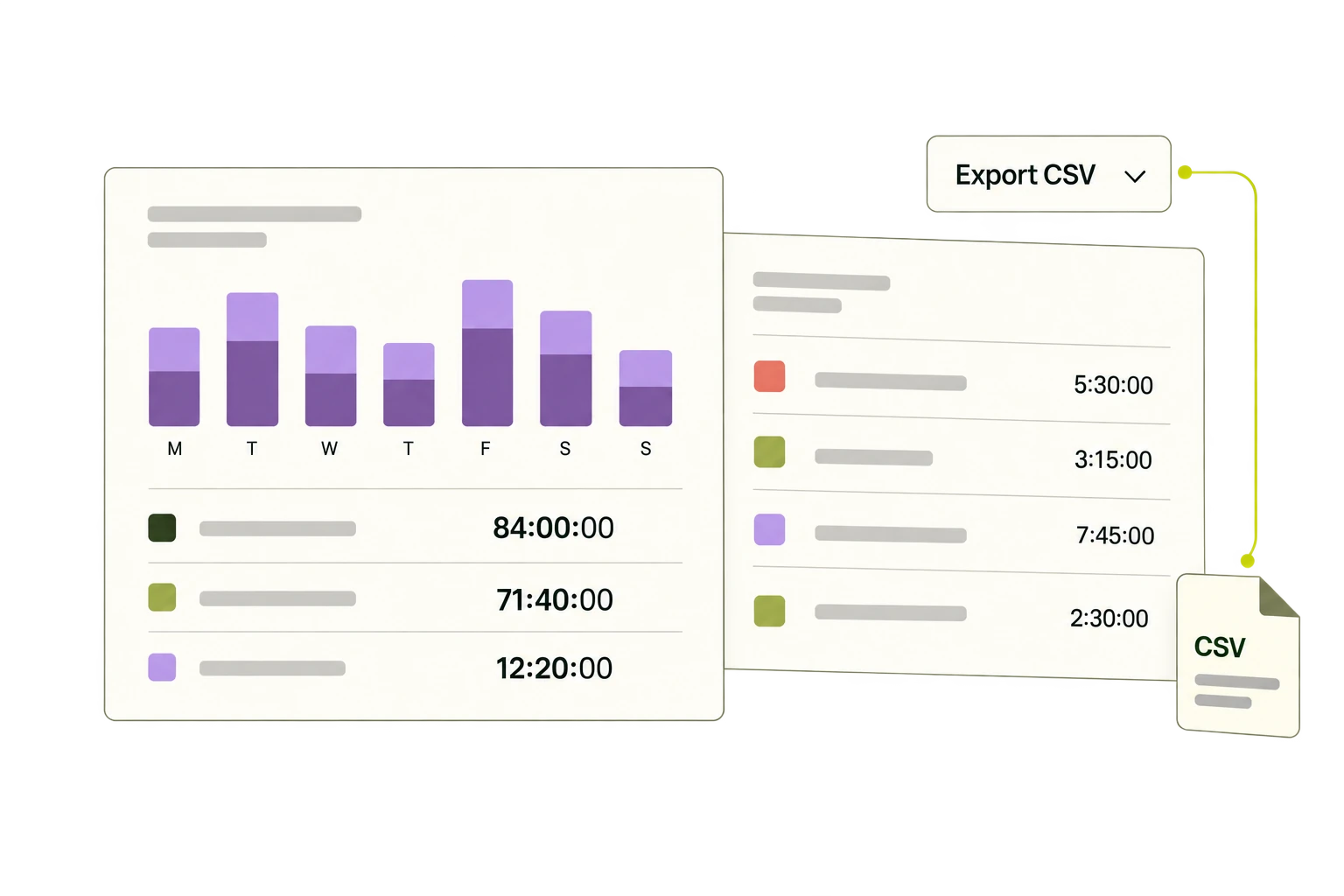
CSV reporting exports
How it works: csv reporting exports
- 01
Set the date range, filters and grouping for the report you need.
- 02
Review the on-screen totals and export the CSV.
- 03
Check the imported spreadsheet totals before sharing or using them downstream.
CSV reporting exports: a worked example
An operations lead exports last month’s client time. Using the same filters during review avoids comparing a billable-only export with an all-time dashboard.
Use the example to check the meaning of the record before applying it to your own company. The figures are illustrative, and the actual result depends on the entries, settings and reporting period you choose.
- Period
- Last calendar month
- Filter
- Selected client
- Check
- Report and CSV totals agree
When to use csv reporting exports
Include the reporting basis with the file. A clear filename and a note about dates and billable filters reduce confusion once the data leaves the product.
See an agency workflowQuestions worth asking.
Can I use the CSV for invoicing?
It can support invoice preparation. Your billing system and client agreement determine the final invoice format, approvals and charges.
How should we test this with our team?
Use a small, representative project and follow the steps above. Include a correction, a different user role and a report review. For csv reporting exports, a useful pilot proves the record supports the decision described here; it is not just a tour of the interface.
Where can I check the rest of the product?
The feature overview shows how daily wrap, timers, manual entries, projects and reports fit together. Use the pricing page for the current plan terms and the product app to test your own workflow.
A clearer record starts
with one working day.
Try the workflow with your own team. Free for up to 10 active members.