
Features · Wrap
Employee cost rates for project reporting
Internal cost rates turn recorded effort into a labor-cost view for authorized reviewers. Wrap keeps cost rates separate from client billing rates so the two figures serve different decisions.
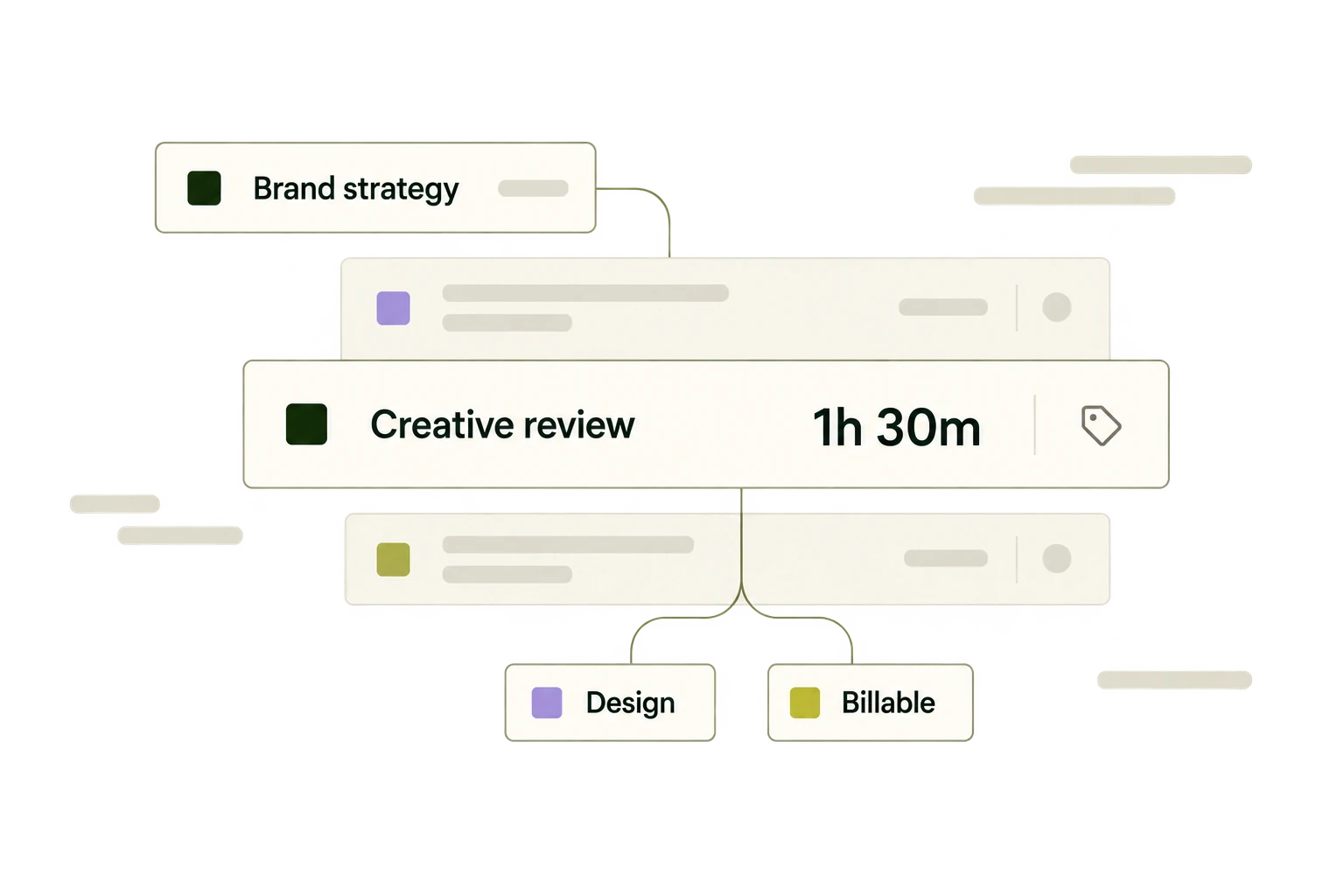
Internal cost rates
How it works: internal cost rates
- 01
Choose a consistent internal hourly cost basis for each member.
- 02
Set the effective date when adding or changing a rate.
- 03
Review the effect on the relevant period before interpreting project costs.
Internal cost rates: a worked example
Two people each spend four hours on a project. With illustrative internal rates of $40 and $60 per hour, their recorded labor cost is $160 plus $240.
Use the example to check the meaning of the record before applying it to your own company. The figures are illustrative, and the actual result depends on the entries, settings and reporting period you choose.
- Contributor A
- 4h × $40 = $160
- Contributor B
- 4h × $60 = $240
- Labor cost
- $400
When to use internal cost rates
Document whether your internal rate includes only compensation or a broader allocation. Consistency matters more than false precision when comparing projects or estimating future delivery.
See an agency workflowQuestions worth asking.
Is the cost rate the client rate?
No. Internal cost estimates the cost of delivering work. A billing rate describes the commercial rate used for client work.
How should we test this with our team?
Use a small, representative project and follow the steps above. Include a correction, a different user role and a report review. For internal cost rates, a useful pilot proves the record supports the decision described here; it is not just a tour of the interface.
Where can I check the rest of the product?
The feature overview shows how daily wrap, timers, manual entries, projects and reports fit together. Use the pricing page for the current plan terms and the product app to test your own workflow.
A clearer record starts
with one working day.
Try the workflow with your own team. Free for up to 10 active members.