
Features · Wrap
Project profitability tracking
Wrap brings project time, internal cost rates and commercial rates into the reporting view. That gives authorized reviewers a basis for understanding the labor economics behind client work.
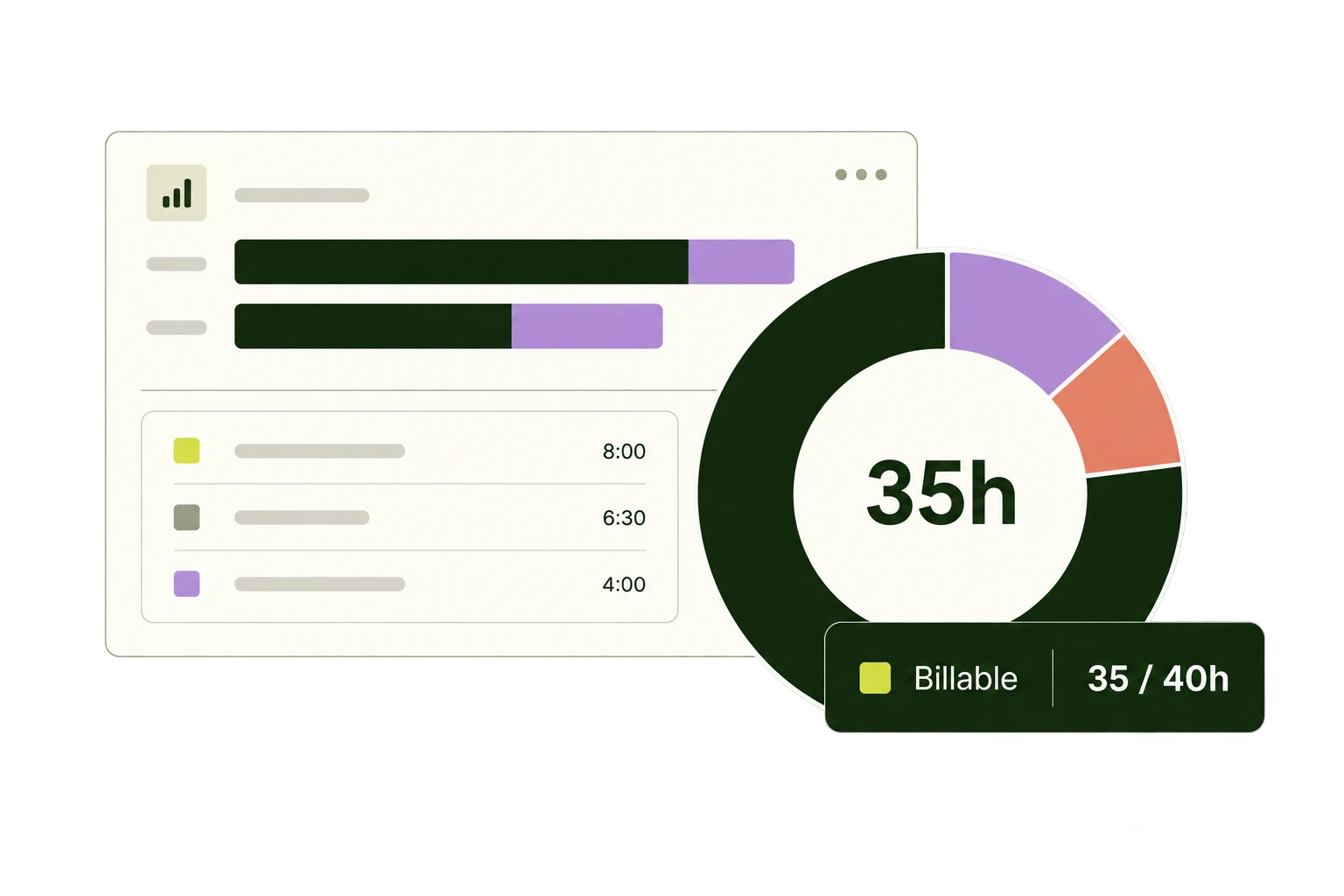
Project profitability
How it works: project profitability
- 01
Maintain the internal cost rates needed for an honest labor-cost view.
- 02
Keep time attached to the correct client project and phase.
- 03
Review the cost and commercial basis before interpreting a margin.
Project profitability: a worked example
A fixed-fee engagement earns $8,000 and has $3,200 of recorded labor cost. The $4,800 difference is a labor contribution before other expenses, not a complete accounting profit.
Use the example to check the meaning of the record before applying it to your own company. The figures are illustrative, and the actual result depends on the entries, settings and reporting period you choose.
- Illustrative revenue
- $8,000
- Recorded labor cost
- $3,200
- Labor contribution · before other expenses
- $4,800
When to use project profitability
Use the report to identify engagements that need a pricing, staffing or scope discussion. Compare like-for-like periods and account for unrecorded time before making a decision about a client.
See an agency workflowQuestions worth asking.
Can everyone see internal costs?
No. Cost visibility is permission-controlled. Test the reviewer and member experience during rollout rather than sharing a privileged report broadly.
How should we test this with our team?
Use a small, representative project and follow the steps above. Include a correction, a different user role and a report review. For project profitability, a useful pilot proves the record supports the decision described here; it is not just a tour of the interface.
Where can I check the rest of the product?
The feature overview shows how daily wrap, timers, manual entries, projects and reports fit together. Use the pricing page for the current plan terms and the product app to test your own workflow.
A clearer record starts
with one working day.
Try the workflow with your own team. Free for up to 10 active members.