
Features · Wrap
Time-off tracking
Wrap lets people log vacation, sick leave and holidays as non-billable time-off records. Keeping these distinct from client delivery helps explain the shape of a person’s week.
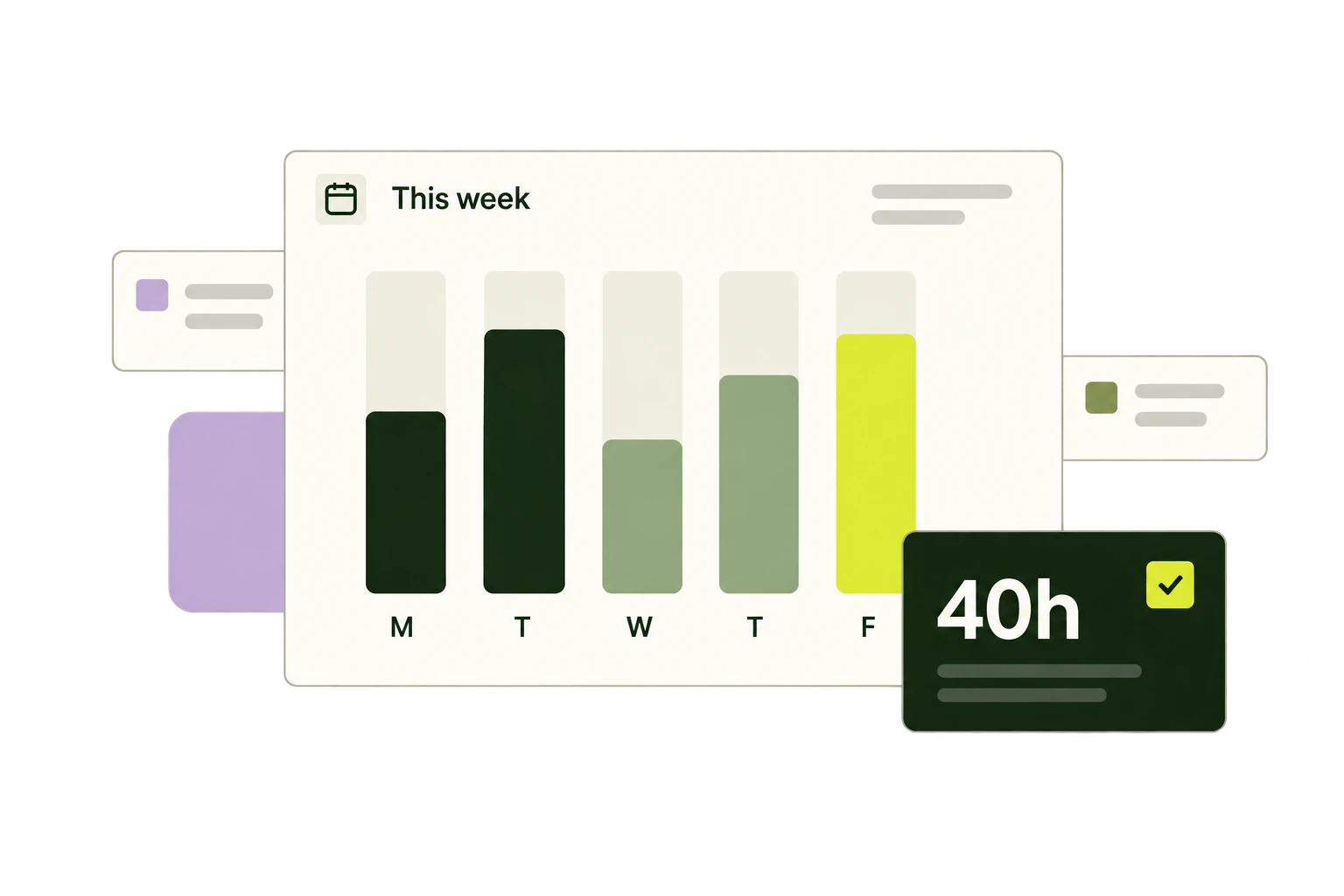
Time-off records
How it works: time-off records
- 01
Choose Log time off and the relevant absence category.
- 02
Select the day or working-day range and the appropriate duration.
- 03
Review the resulting record alongside the rest of the week.
Time-off records: a worked example
A contributor takes a half-day vacation during a delivery week. Recording four hours of vacation gives the reviewer context for a lighter day of project time.
Use the example to check the meaning of the record before applying it to your own company. The figures are illustrative, and the actual result depends on the entries, settings and reporting period you choose.
- Client work
- 4h
- Vacation
- 4h
- Day context
- Half-day away
When to use time-off records
Use consistent absence categories so leave is not hidden under an internal project called admin. Keep the organizational leave policy clear outside the timesheet.
See an agency workflowQuestions worth asking.
Does time off count as billable work?
No. Time-off entries are non-billable and are kept distinct from ordinary work targets.
How should we test this with our team?
Use a small, representative project and follow the steps above. Include a correction, a different user role and a report review. For time-off records, a useful pilot proves the record supports the decision described here; it is not just a tour of the interface.
Where can I check the rest of the product?
The feature overview shows how daily wrap, timers, manual entries, projects and reports fit together. Use the pricing page for the current plan terms and the product app to test your own workflow.
A clearer record starts
with one working day.
Try the workflow with your own team. Free for up to 10 active members.