
Features · Wrap
Multi-company time tracking
Wrap supports membership in more than one company, with an active-company switch that changes the time and project context. Each company keeps its own membership, roles and records.
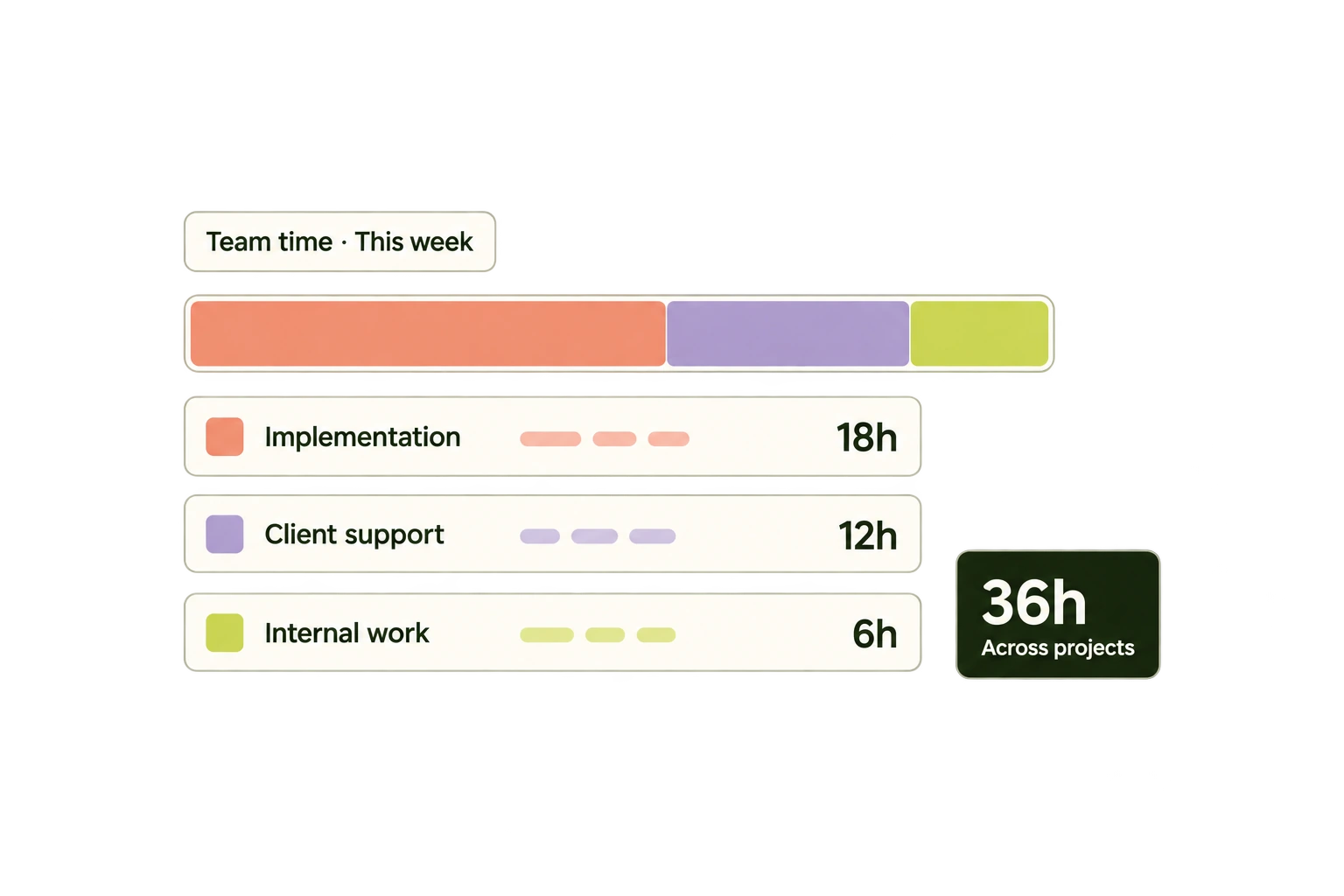
Multi-company workspaces
How it works: multi-company workspaces
- 01
Join or create the companies you are authorized to work in.
- 02
Check the active company before choosing a project or starting work.
- 03
Switch context to review the other company’s records under its permissions.
Multi-company workspaces: a worked example
A consultant contributes to two separate service businesses. The same login can switch company context without merging the clients or billing records of those businesses.
Use the example to check the meaning of the record before applying it to your own company. The figures are illustrative, and the actual result depends on the entries, settings and reporting period you choose.
- Company A
- Its clients and roles
- Company B
- Its clients and roles
- Shared person
- Separate memberships
When to use multi-company workspaces
Use separate companies where ownership, membership or commercial responsibility genuinely differs. Use client projects for different customers inside one operating company.
See an agency workflowQuestions worth asking.
Does one paid plan cover every company?
Plans apply per company. Someone active in two companies counts as an active member in each company.
How should we test this with our team?
Use a small, representative project and follow the steps above. Include a correction, a different user role and a report review. For multi-company workspaces, a useful pilot proves the record supports the decision described here; it is not just a tour of the interface.
Where can I check the rest of the product?
The feature overview shows how daily wrap, timers, manual entries, projects and reports fit together. Use the pricing page for the current plan terms and the product app to test your own workflow.
A clearer record starts
with one working day.
Try the workflow with your own team. Free for up to 10 active members.