Separate personal focus improvement from the client records needed for budgets and reporting. Keep the requirements that already work and test the missing piece before moving the whole team.
A practical shortlist
Which RescueTime alternative fits your team?
This is an editorial selection, not a ranking. Wrap publishes the page and is included as an option.
Daily completion and project time
Wrap
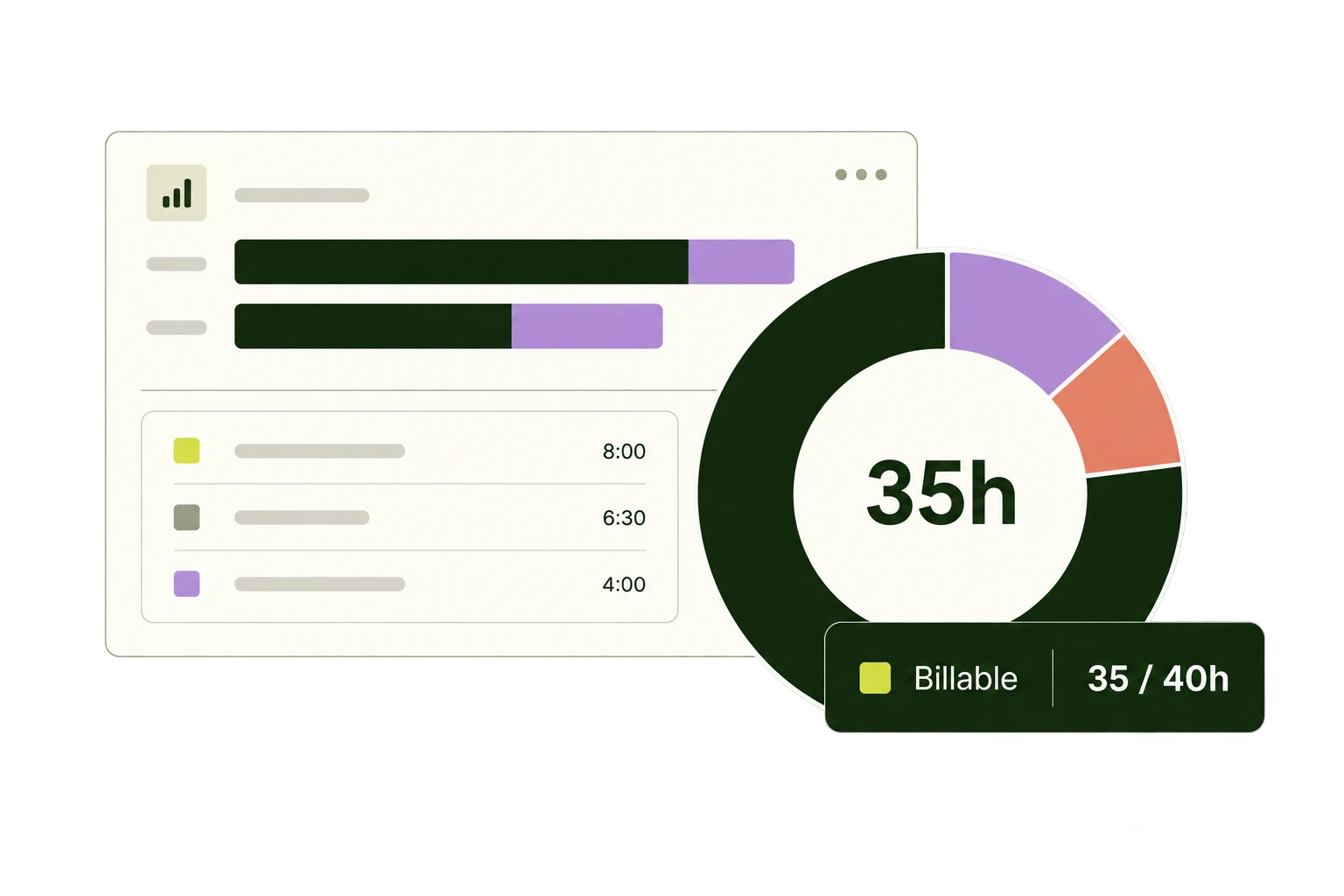
Consider Wrap for timers, manual entries and a guided day wrap that creates a complete project-time record. Company-level pricing and project-budget views make it relevant to client-service teams.
Wrap is centered on projects and completed timesheets. It does not offer distraction blocking or a personal activity-scoring system.
Keep Toggl in contention when its tracking and capacity-planning combination supports the way you already schedule delivery.
Toggl presents time tracking, capacity planning and project-management capabilities.
Evaluation question: Separate the capture habit from the planning process: a simpler timesheet workflow may not replace forward-looking team allocation.
Keep RescueTime in the evaluation when focus sessions and activity-based reflection are primary requirements.
Write a short list of non-negotiables before choosing a replacement. Include who enters time, who reviews it, which records leave the tool and which workflows would remain elsewhere. A lower subscription price alone cannot tell you whether the switch is worthwhile.
From the official website
RescueTime in its own context.
See how RescueTime presents its focus and timesheets workflow. Use the official page to confirm current capabilities and the plan your team would need.
Product overview reviewed November 4, 2026. Features may depend on plan. This comparison does not claim a hands-on test of a paid account.
A pilot with a useful answer.
Review a research-heavy day. Decide whether app-level context or a project-level account provides the useful record for your next decision.
Include the person entering time and the person reviewing it. A workflow can feel quick for one and leave the other rebuilding context at the end of the week. Keep the sample small enough to reconcile every entry.
01
Capture
Record a representative day, including an interruption and work away from the main task.
02
Correct
Change one duration or target. Check permissions and whether the report reflects the correction.
03
Reconcile
Compare the project totals with the entries and the output your billing or operations owner needs.
Compare the whole commitment
How to compare RescueTime alternative pricing
Get a quote for the plan that covers your actual requirements. Include seat minimums, billing period, add-ons and any separate tools required for invoicing, scheduling or client collaboration.
Wrap’s Free plan supports up to 10 active members. Team covers 11–99 and Business covers 100 or more, with the same features across self-service plans. Compare that company-based structure with the written quote for your shortlist.
Wrap, Memtime, Timely, and Toggl offer different approaches. There is no universal winner. Choose two candidates that meet your non-negotiable requirements, then compare the same sample week. Review missing entries, corrections and the report you need before committing.
Is Wrap a complete replacement?
Wrap is centered on projects and completed timesheets. It does not offer distraction blocking or a personal activity-scoring system.
What should we export before switching?
Keep the original entries and the related people, clients, projects and date conventions needed to interpret them. Check totals on a sample period and keep the archive accessible even if you decide to start fresh.